
A Modern Magic: The Gathering Desktop Deck Building App
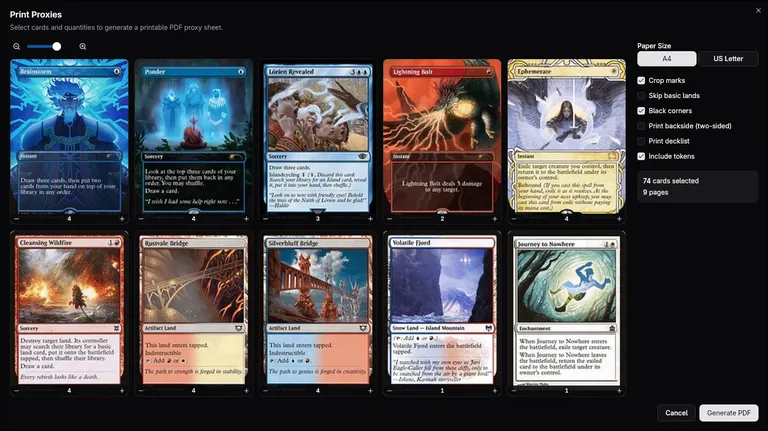
TCG Lightning is a free desktop app for Windows, macOS, and Linux that lets you build Magic: The Gathering decks with offline Scryfall card search, real-time EDHREC synergy scores, automatic combo detection via Archidekt Combo Spellbook, and AI-powered card suggestions through OpenAI, Anthropic, or Ollama. Import your collection from Manabox, generate proxy PDFs for playtesting, and track your performance across matches — all in one app.
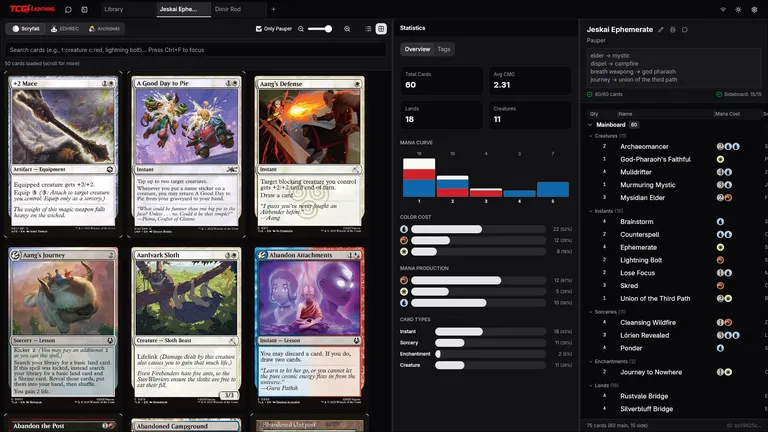
Build your deck — Scryfall search and Statistics
Build Better Magic: The Gathering Decks
Commander, Standard, Legacy, Modern or Pauper — build for the format of your choice
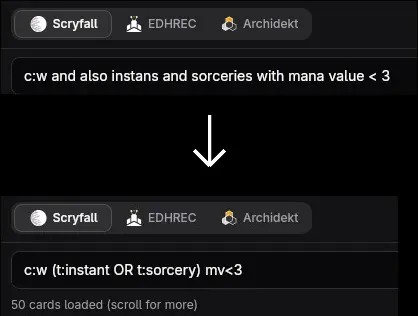
Full Scryfall database stored locally. Search thousands of cards instantly with advanced syntax — colors, types, oracle text, and more — all without internet.
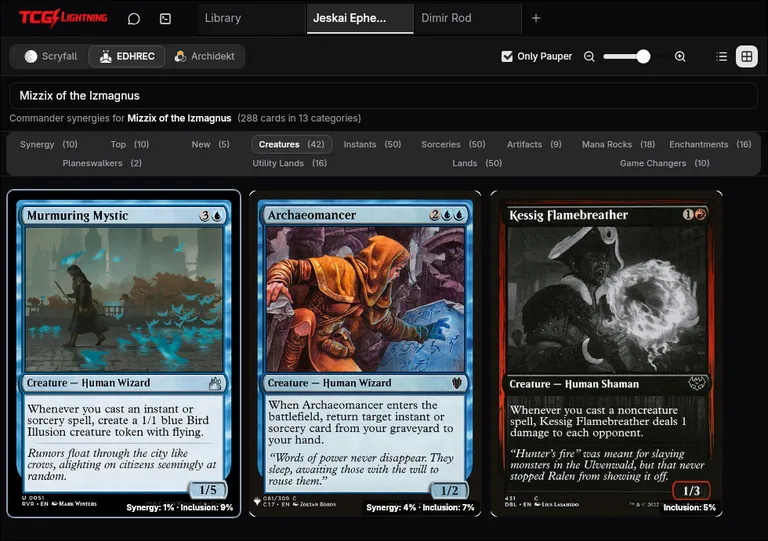
See what thousands of successful decks run with real-time EDHREC data. Synergy scores and inclusion rates help you find the perfect cards for your strategy.
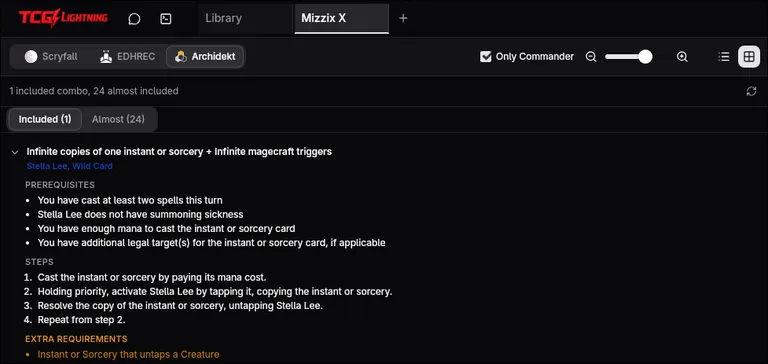
Powered by Archidekt Combo Spellbook — find combo lines already in your deck and discover what you're missing. Step-by-step explanations and add missing pieces with one click.
Track every card you own. Import your collection directly from Manabox and keep it up to date as you buy and trade.
Share your collection with friends so they can check if you own cards they need — or let them share theirs so you can do the same.
Get card suggestions, tag your cards, and analyze synergies through conversation. Supports OpenAI, Anthropic, Ollama, and custom providers.
Frequently Asked Questions
What is TCG Lightning? ▾
Is TCG Lightning free? ▾
How does the AI deck assistant work? ▾
Can I play MTG games through TCG Lightning? ▾
Download TCG Lightning v0.1.38-rc.5
A native desktop application for Windows, Linux, and macOS
TCG Lightning is a desktop application designed for Windows, Linux, and macOS computers.
Visit this page on your PC to download and install the app.
Unsigned installer: Windows SmartScreen may show a warning for unsigned apps.
Click "More info" then "Run anyway" to proceed with the installation.